See Your Room in 70+ Styles Instantly with AI
March 14, 202614 views

Transforming Your Space with AI
Imagine uploading a photo of your room and seeing it transformed in seconds. AI image redesign makes this a reality.
How AI Image Redesign Works
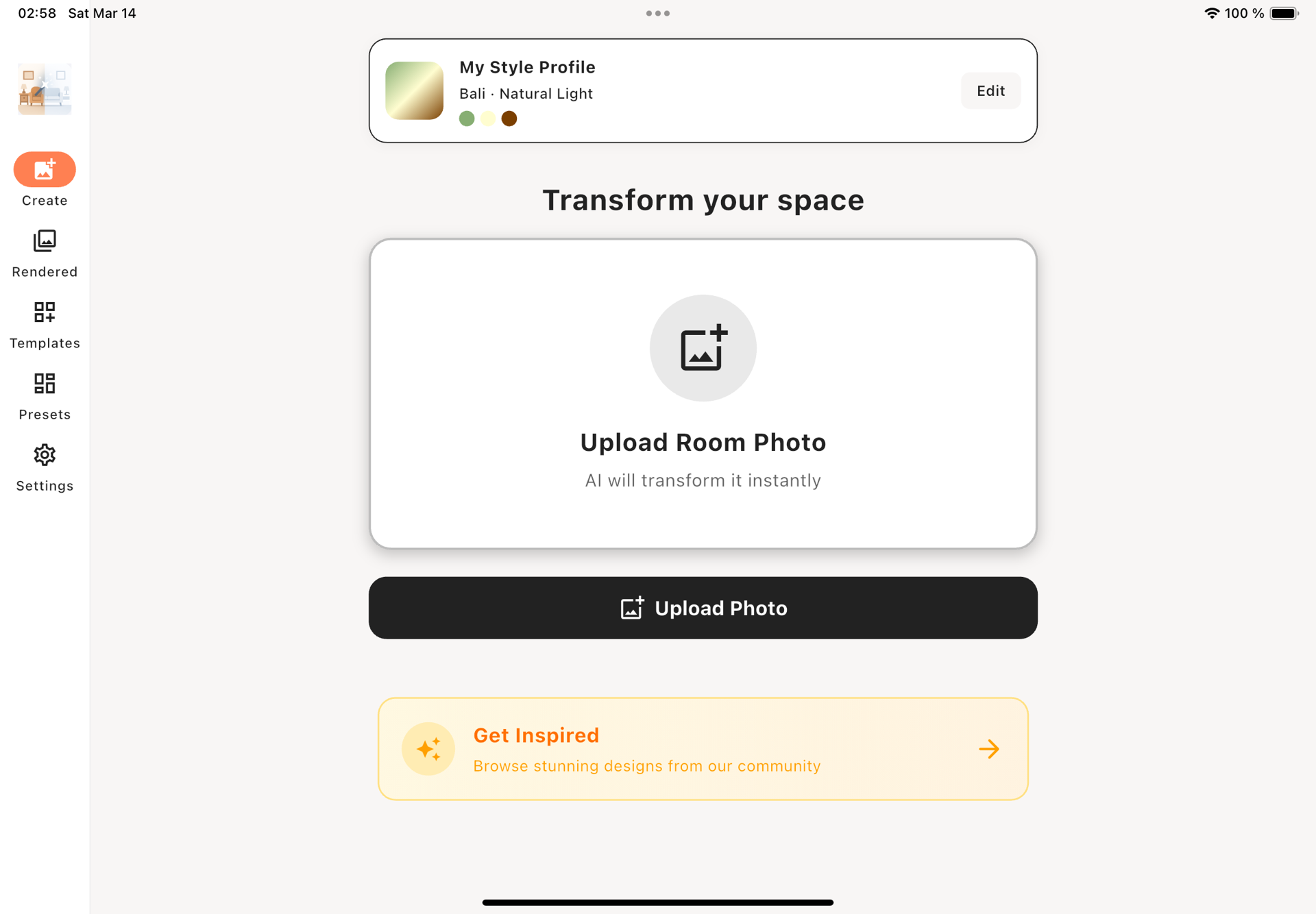
- Upload a Photo: Use your phone or camera to capture the room.
- Choose a Style: Select from over 70 styles like Scandinavian or Bohemian.
- AI Processing: The app analyzes and redesigns your space in 2-5 minutes.
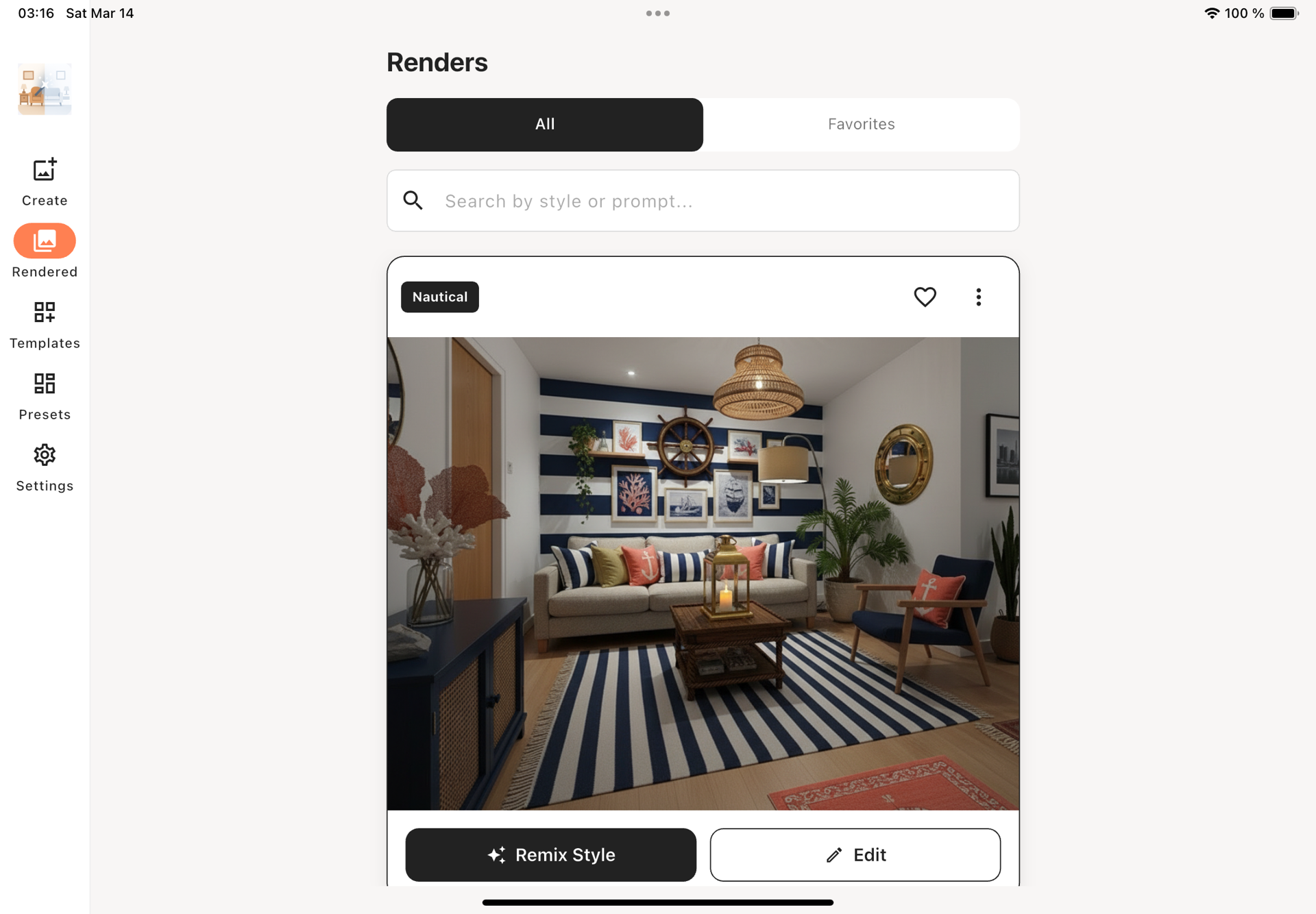
- Review & Share: View the before/after, share, or make further edits.
Tips for Best Results
- Lighting: Use natural daylight for the best results.
- Angle & Position: Shoot from a corner at eye level.
- Declutter: Remove unnecessary items for a cleaner redesign.
Popular Use Cases
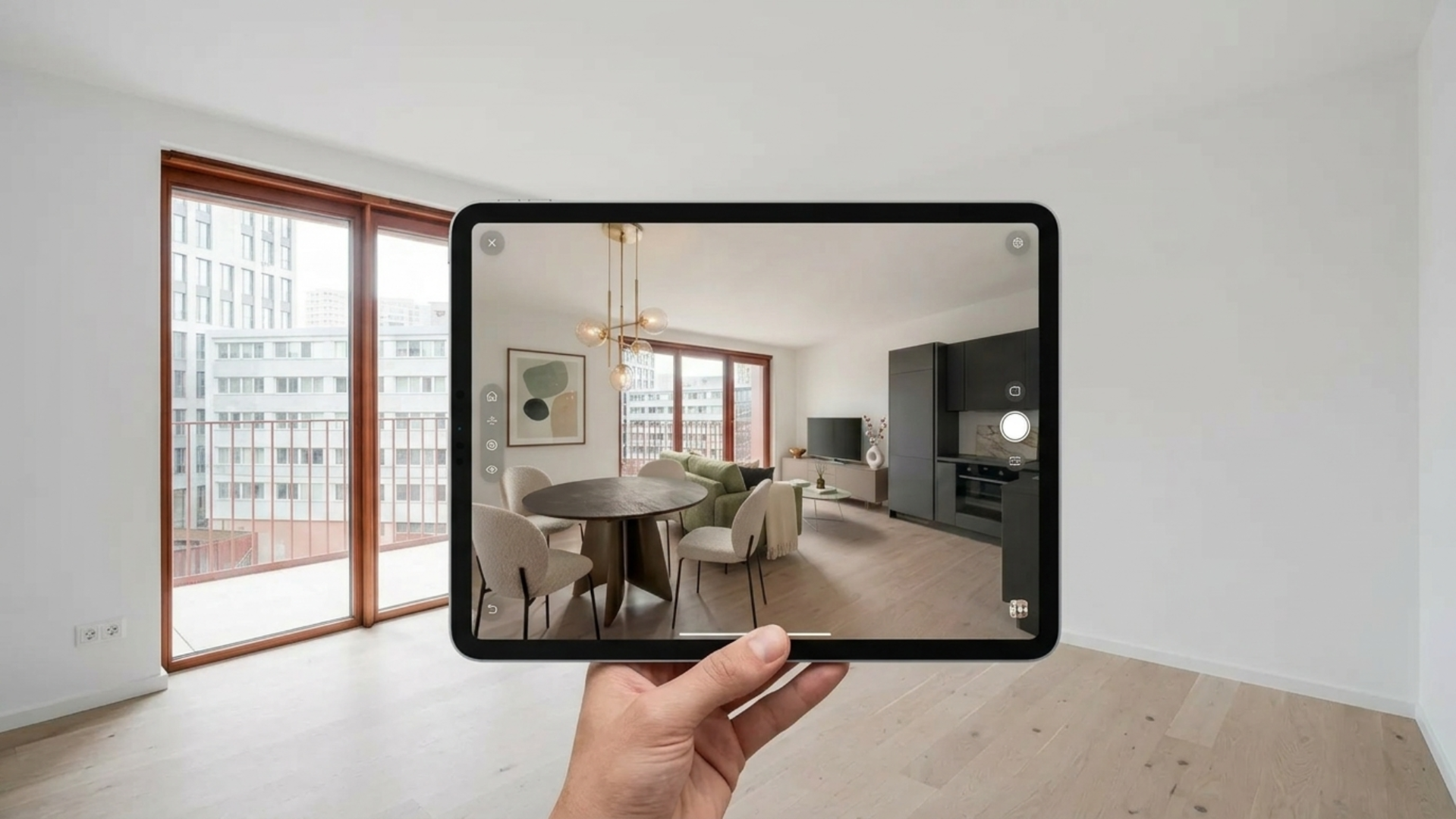
- Pre-Renovation Planning: Visualize changes before committing.
- Real Estate Staging: Enhance listings with photorealistic redesigns.
- Renter-Friendly Makeovers: Try new styles without permanent changes.
Getting Started
- Free Trial: Try the app with a 3-day free trial.
- Subscription Options: Choose between monthly or yearly plans for unlimited access.
Transform your living space today with Instant Interiors' AI-powered design. Experience the future of home decor at your fingertips.
AI designhome decorroom transformationvirtual staginginterior styles