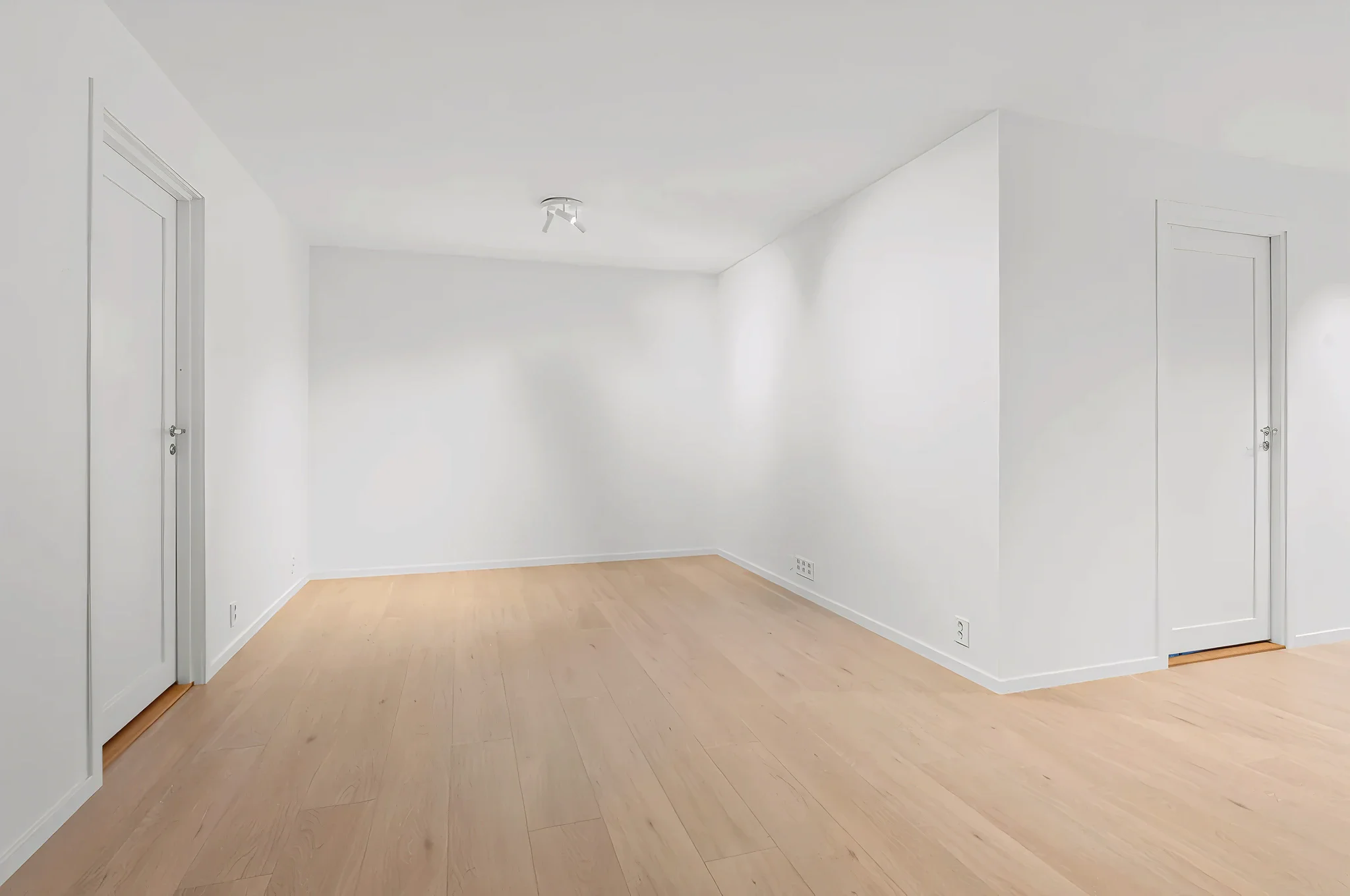
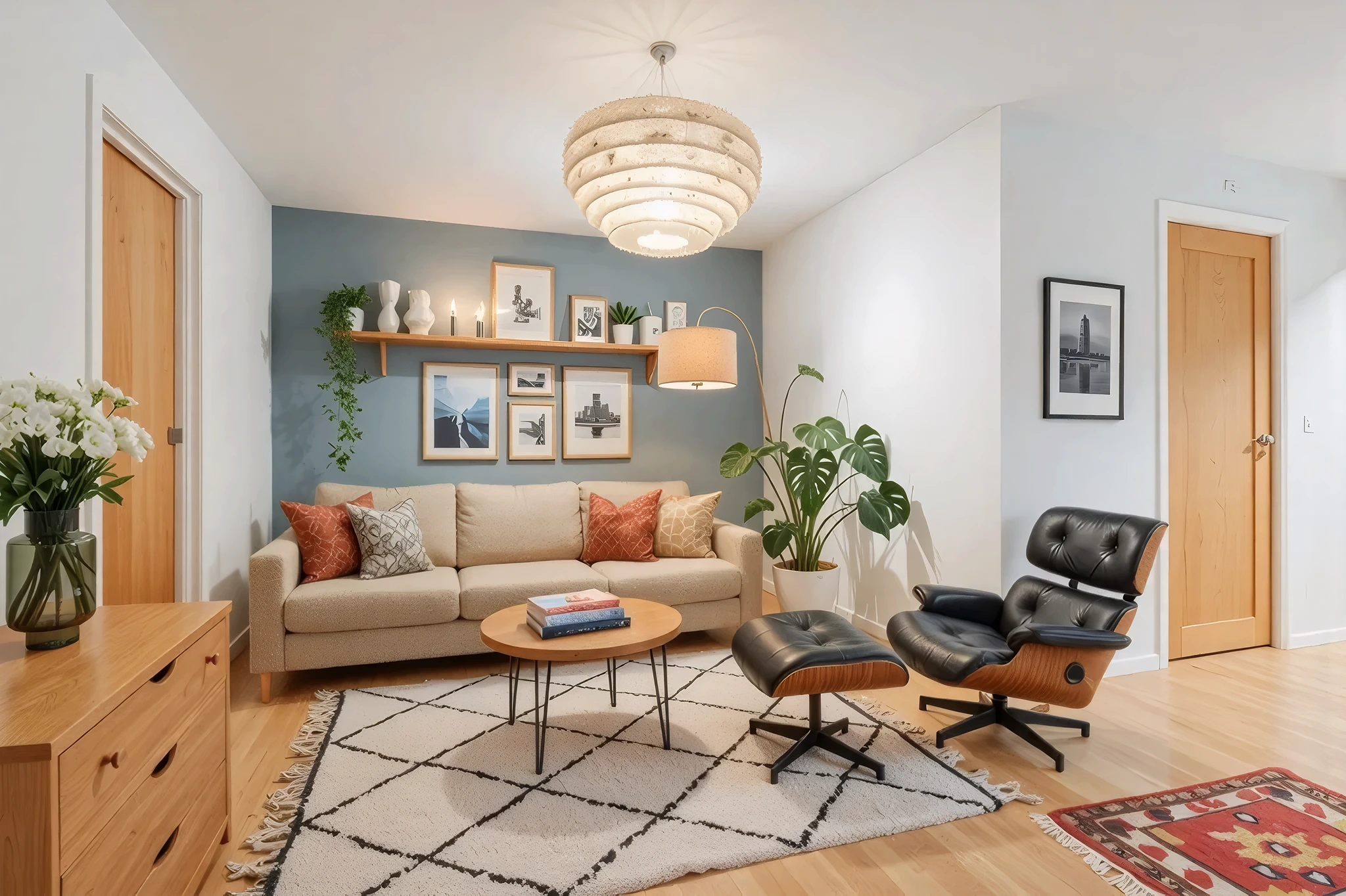
 BeforeAfter
AI Furniture Replacement
See how new furniture looks in your room before buying. Upload a photo and our AI replaces your existing furniture with new pieces that match your chosen style — keeping walls, flooring, and room layout exactly as they are.
How It Works
Three simple steps to transform your room.
Upload your room photo
Take a photo of the room with the furniture you want to replace. Any angle and lighting works.
Describe what you want
Choose a style and add instructions like "replace all furniture" or "swap the sofa for a modern sectional."
See new furniture in place
AI generates your room with new furniture in seconds. Compare options, try different styles, and save favorites.
Try Furniture Replacement Now
Upload a photo and see the result in seconds. Start your free 3-day trial.
Frequently Asked Questions
Related Templates
Explore more AI-powered design tools.
Virtual Staging
Transform empty rooms into beautifully furnished spaces in seconds.
Learn MoreWall Paint Visualizer
Upload a photo of any room and see exactly how different paint colors will look on your walls — before you buy a single can.
Learn MoreFloor Swap
Wondering how hardwood, marble, tile, or carpet would look in your room? Upload a photo and our AI replaces your current flooring with any material — complete with realistic reflections, shadows, and grain patterns.
Learn MoreDeclutter & Clean
Messy room? Our AI removes clutter, tidies surfaces, and makes any space look professionally cleaned — all from a single photo.
Learn More