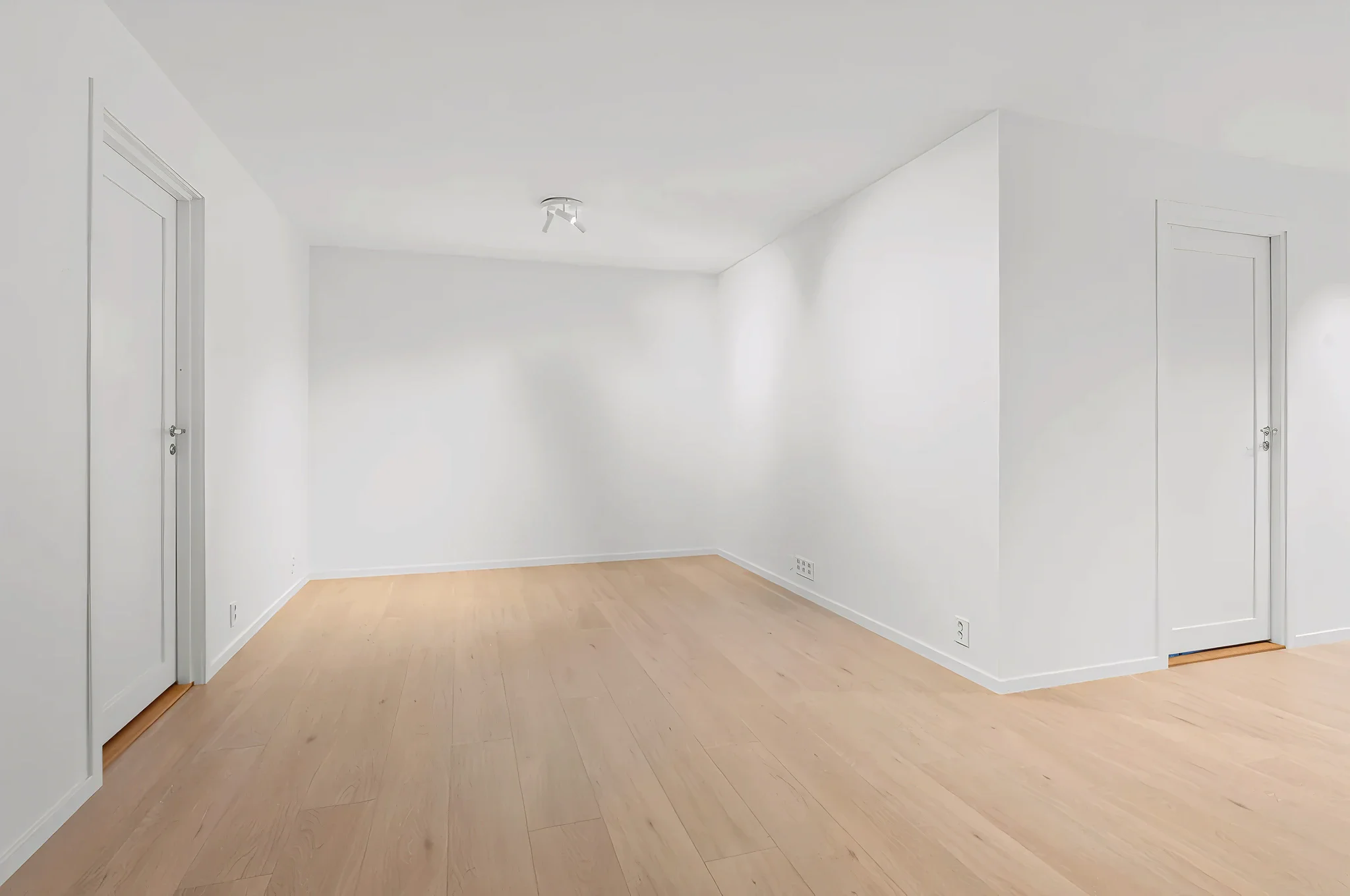
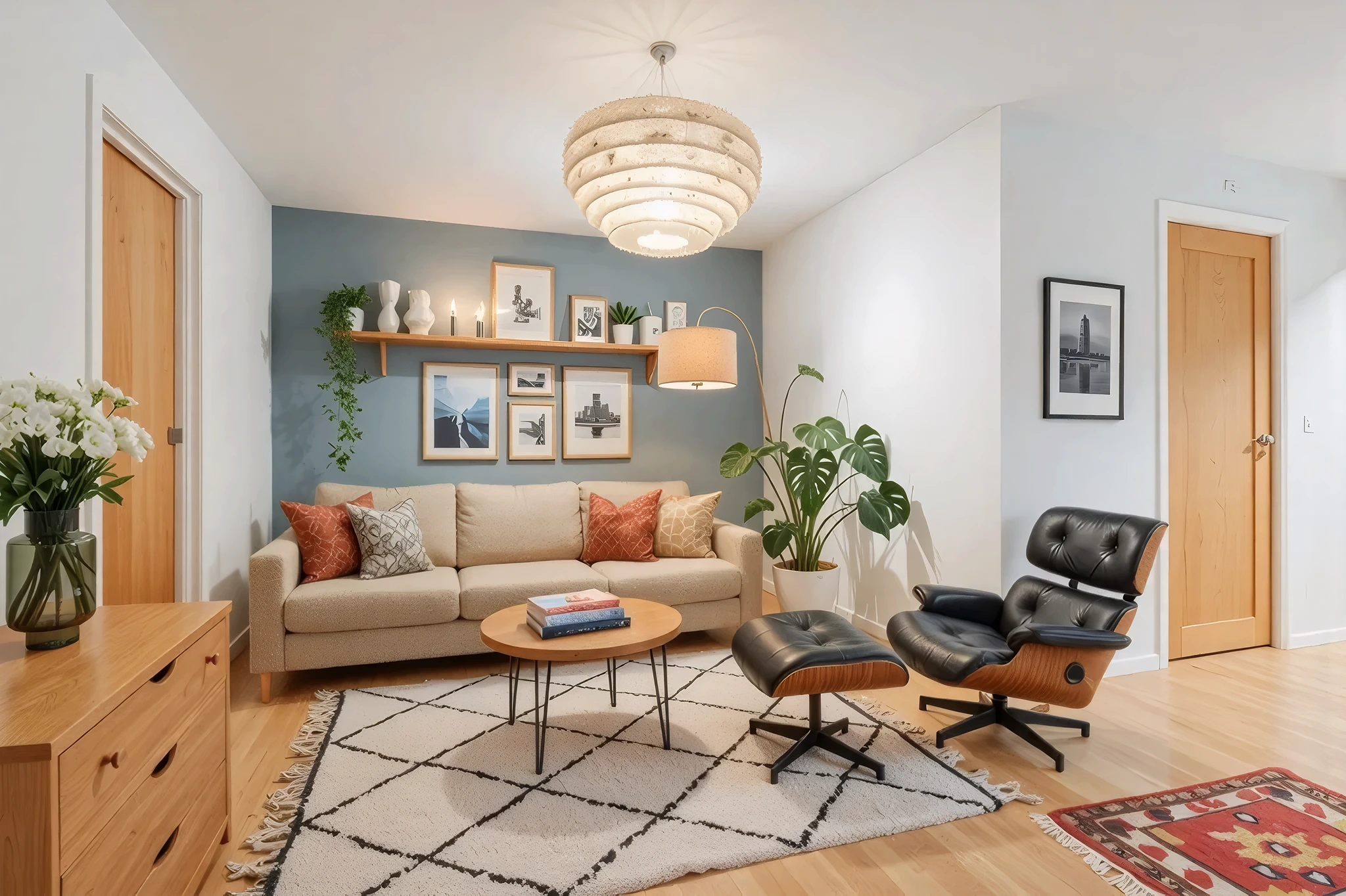
 BeforeAfter
AI Open Plan Layout Visualizer
Wondering what happens if you knock down that wall? Upload a photo and our AI shows you an open-concept version — combining kitchen and living room, opening up hallways, and creating the flowing layout you're dreaming of.
How It Works
Three simple steps to transform your room.
Upload your room photo
Take a photo showing the wall you're considering removing. Include as much of both spaces as possible.
Describe the open plan
Tell the AI what you want: "remove the wall between kitchen and living room" or "open up the hallway into the dining area."
See the open layout
AI generates your open-concept space in seconds. Compare with the original to evaluate the renovation impact.
Try Open Plan Layout Now
Upload a photo and see the result in seconds. Start your free 3-day trial.
Frequently Asked Questions
Related Templates
Explore more AI-powered design tools.
Full Room Redesign
Transform any room from top to bottom.
Learn MoreKitchen Remodel
Planning a kitchen remodel? Upload a photo and see how new cabinets, countertops, backsplashes, and appliances will look in your actual kitchen.
Learn MoreLuxury Upgrade
See what your room looks like at the next level.
Learn MoreFloor Swap
Wondering how hardwood, marble, tile, or carpet would look in your room? Upload a photo and our AI replaces your current flooring with any material — complete with realistic reflections, shadows, and grain patterns.
Learn More