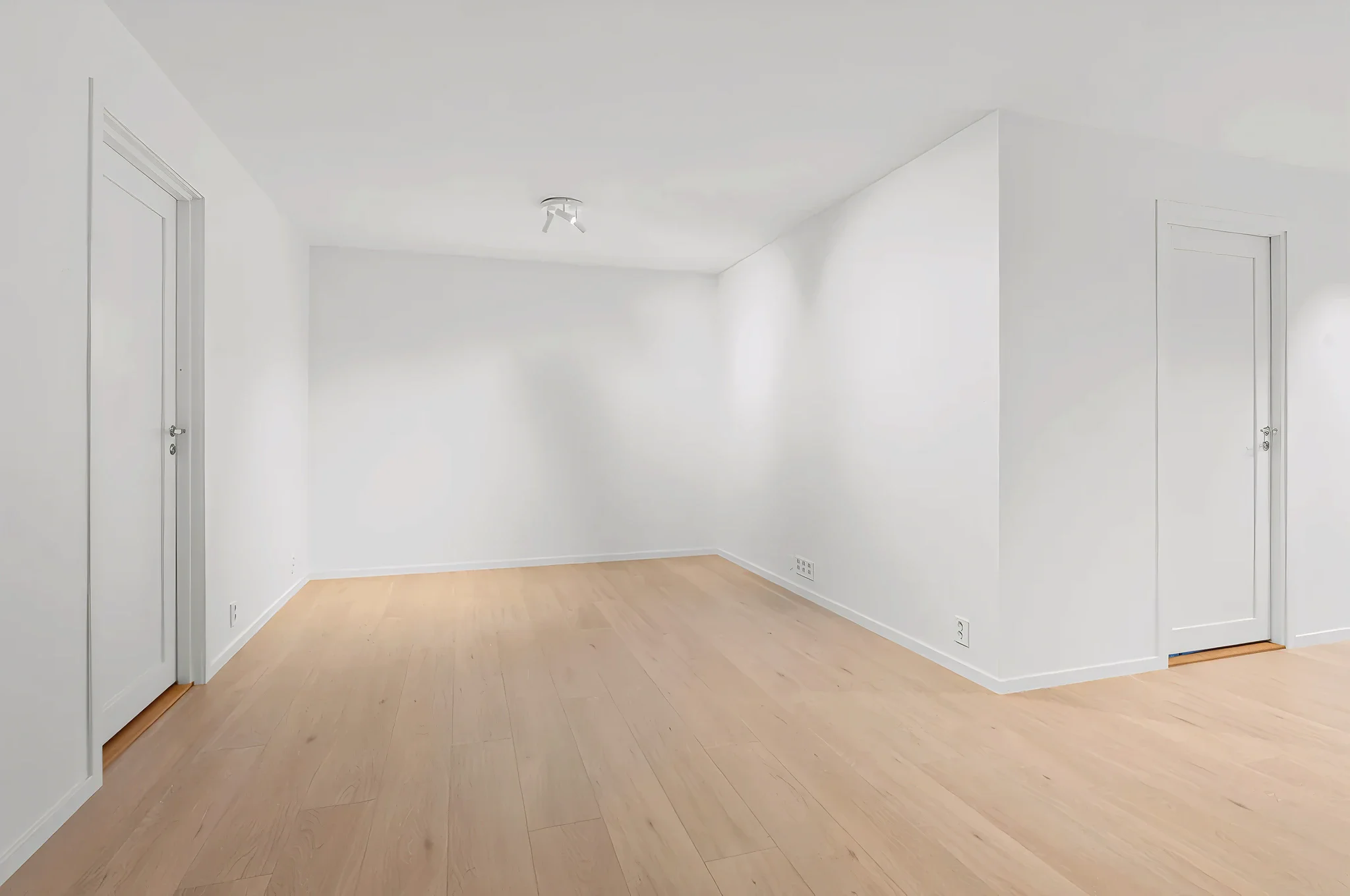
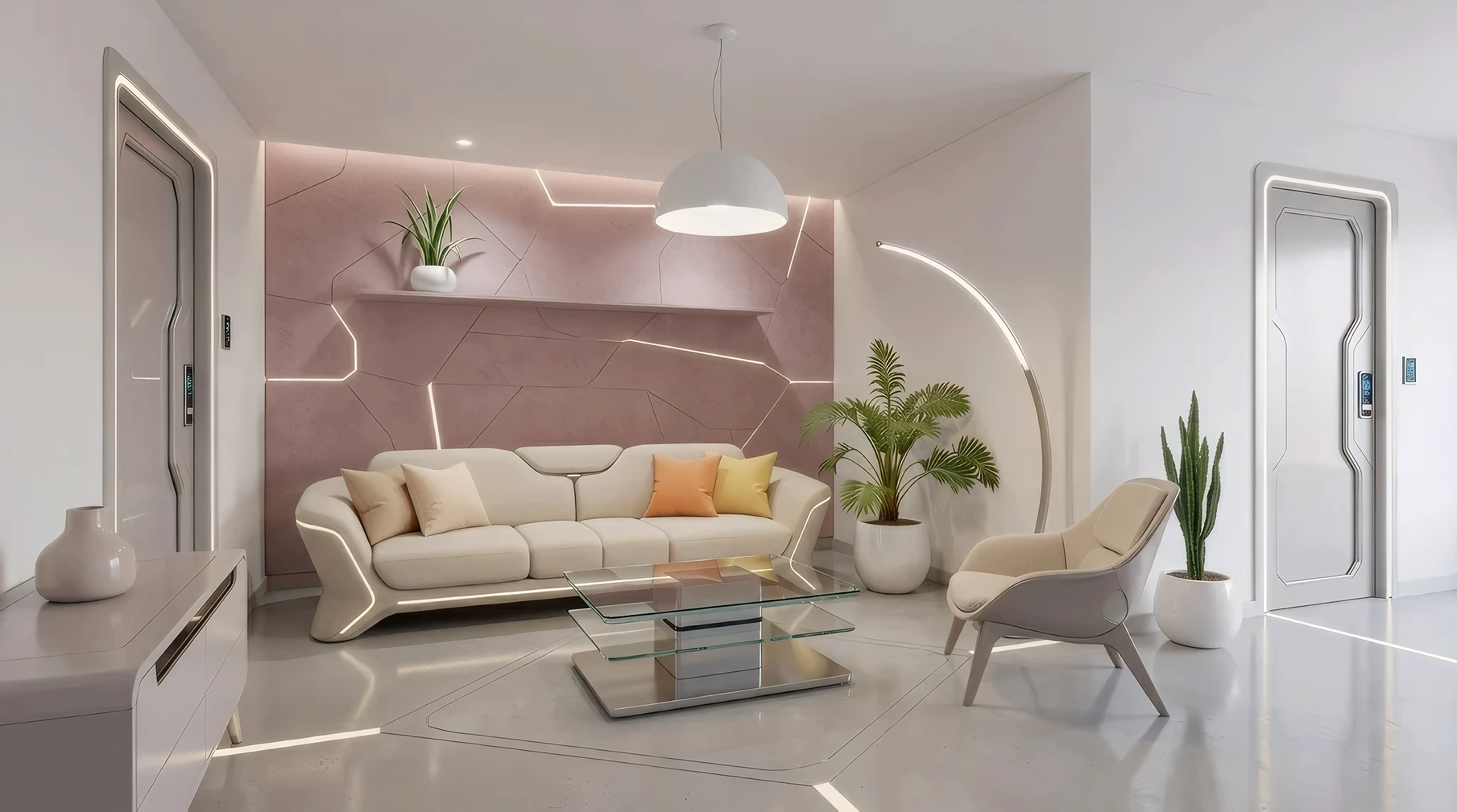
 BeforeAfter
AI Sketch to Photorealistic Render
Turn your rough sketches and drawings into stunning photorealistic interior renders. Upload a hand-drawn concept, doodle, or digital sketch and our AI transforms it into a lifelike visualization.
How It Works
Three simple steps to transform your room.
Upload your sketch
Take a photo of your hand-drawn sketch or upload a digital drawing. Any level of detail works.
Add style and details
Choose a design style and add material notes: "hardwood floors, white walls, large windows facing east."
Get photorealistic render
AI transforms your sketch into a lifelike interior render. Iterate by adjusting your sketch or changing the style.
Try Sketch to Life Now
Upload a photo and see the result in seconds. Start your free 3-day trial.
Frequently Asked Questions
Related Templates
Explore more AI-powered design tools.
Floor Plan to 3D
Turn flat floor plans into stunning 3D visualizations.
Learn MoreFull Room Redesign
Transform any room from top to bottom.
Learn MoreVirtual Staging
Transform empty rooms into beautifully furnished spaces in seconds.
Learn MoreFurnish Empty Room
Staring at an empty room? Upload a photo and see it completely furnished and decorated in any style — from your first apartment to your dream home.
Learn More