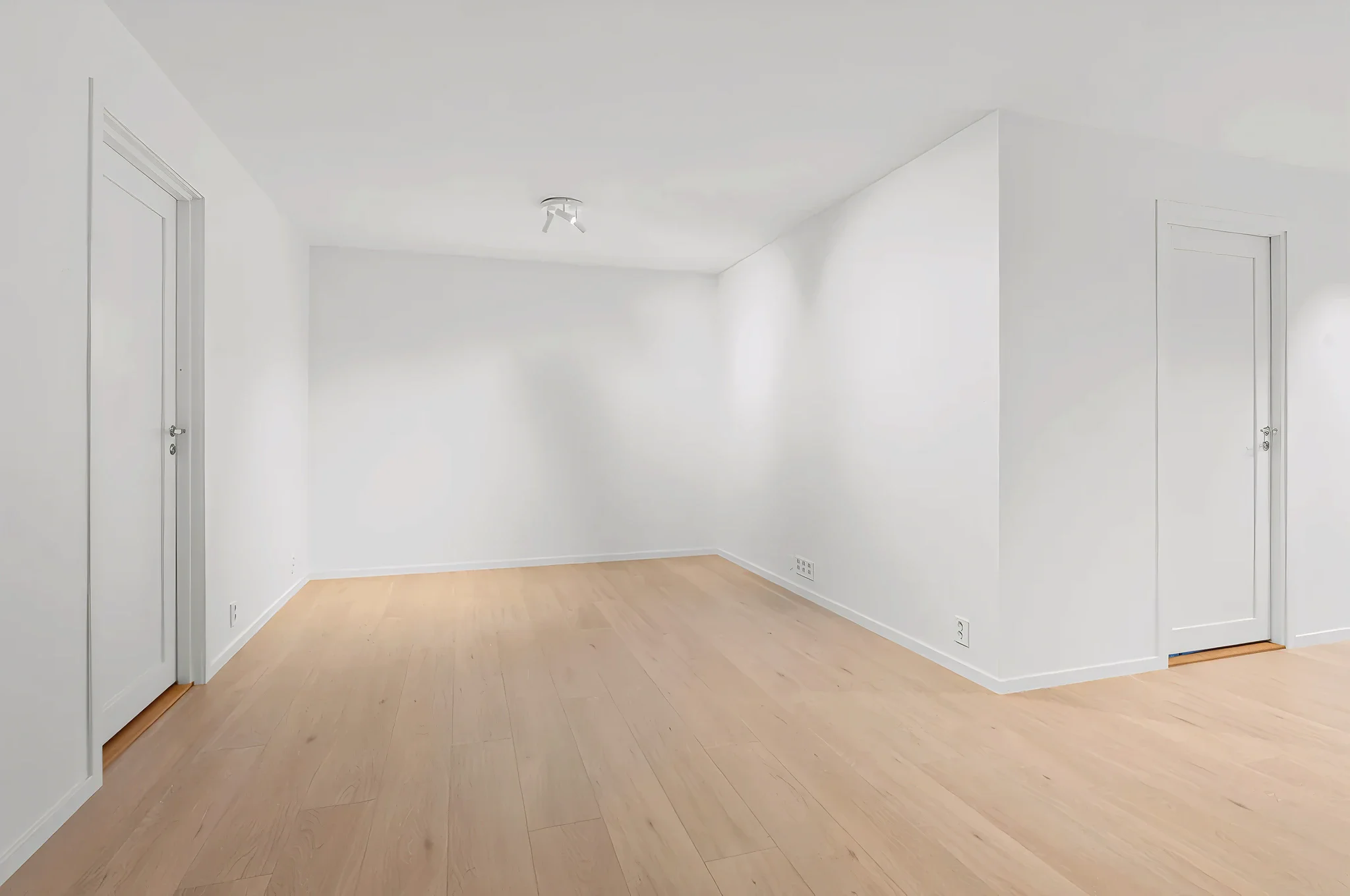
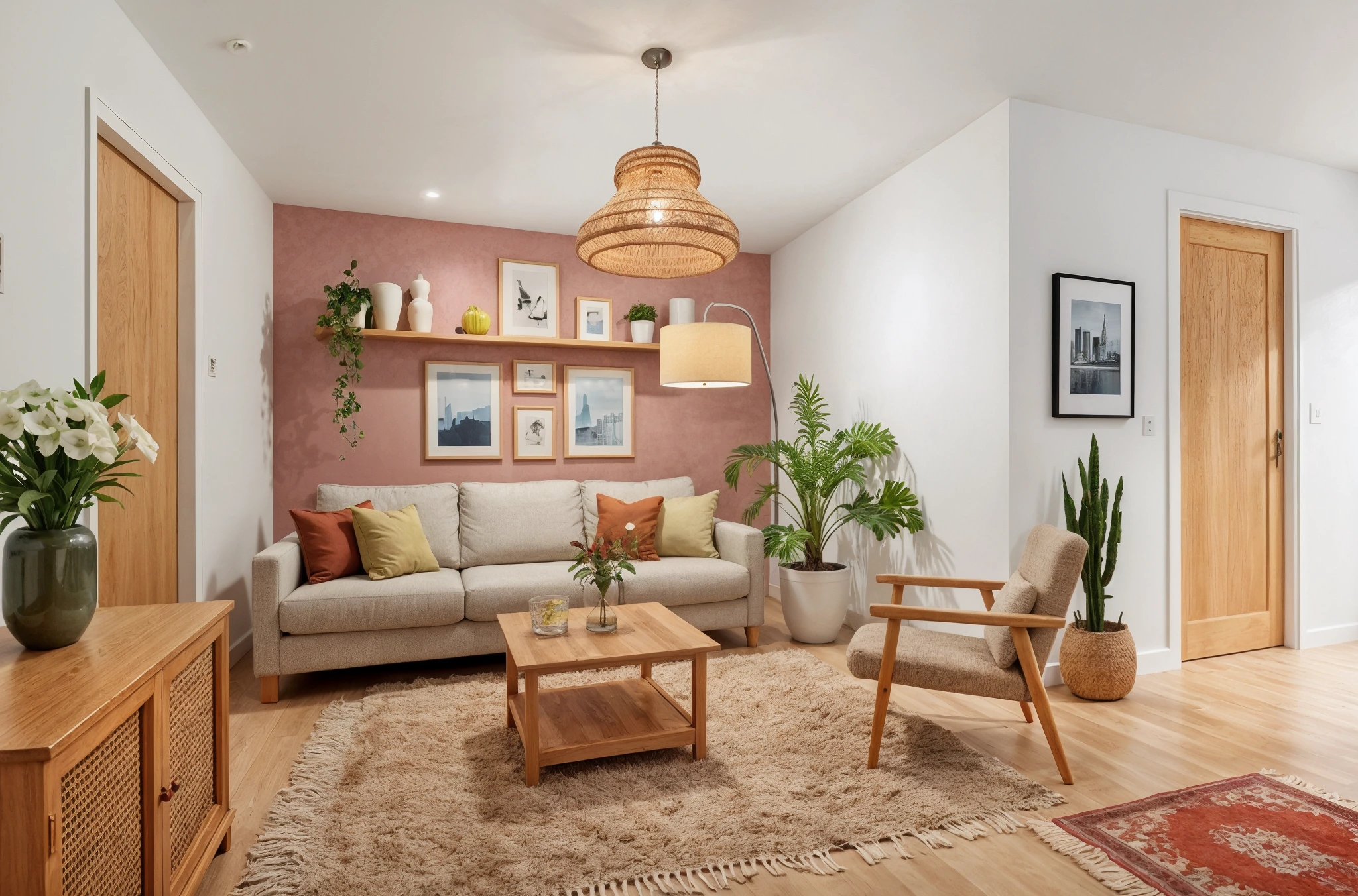
 BeforeAfter
AI Quick Floor Swap
The fastest way to preview new flooring. Upload a room photo, choose a material, and see your floor transformed in seconds — with accurate perspective and realistic textures.
How It Works
Three simple steps to transform your room.
Upload room photo
Take a photo showing the floor clearly. More visible floor area gives better results.
Choose flooring
Select a material type: hardwood, tile, marble, carpet, vinyl, or concrete.
See the new floor
AI replaces the flooring in seconds. Compare different materials to find your favorite.
Try Quick Floor Swap Now
Upload a photo and see the result in seconds. Start your free 3-day trial.
Frequently Asked Questions
Related Templates
Explore more AI-powered design tools.
Floor Swap
Wondering how hardwood, marble, tile, or carpet would look in your room? Upload a photo and our AI replaces your current flooring with any material — complete with realistic reflections, shadows, and grain patterns.
Learn MoreCustom Flooring Upload
Have a specific flooring sample in mind? Upload the texture — a photo from the supplier, a catalog image, or your own sample — and see it applied to your actual room with realistic perspective, scale, and lighting.
Learn MoreWall Paint Visualizer
Upload a photo of any room and see exactly how different paint colors will look on your walls — before you buy a single can.
Learn MoreFull Room Redesign
Transform any room from top to bottom.
Learn More