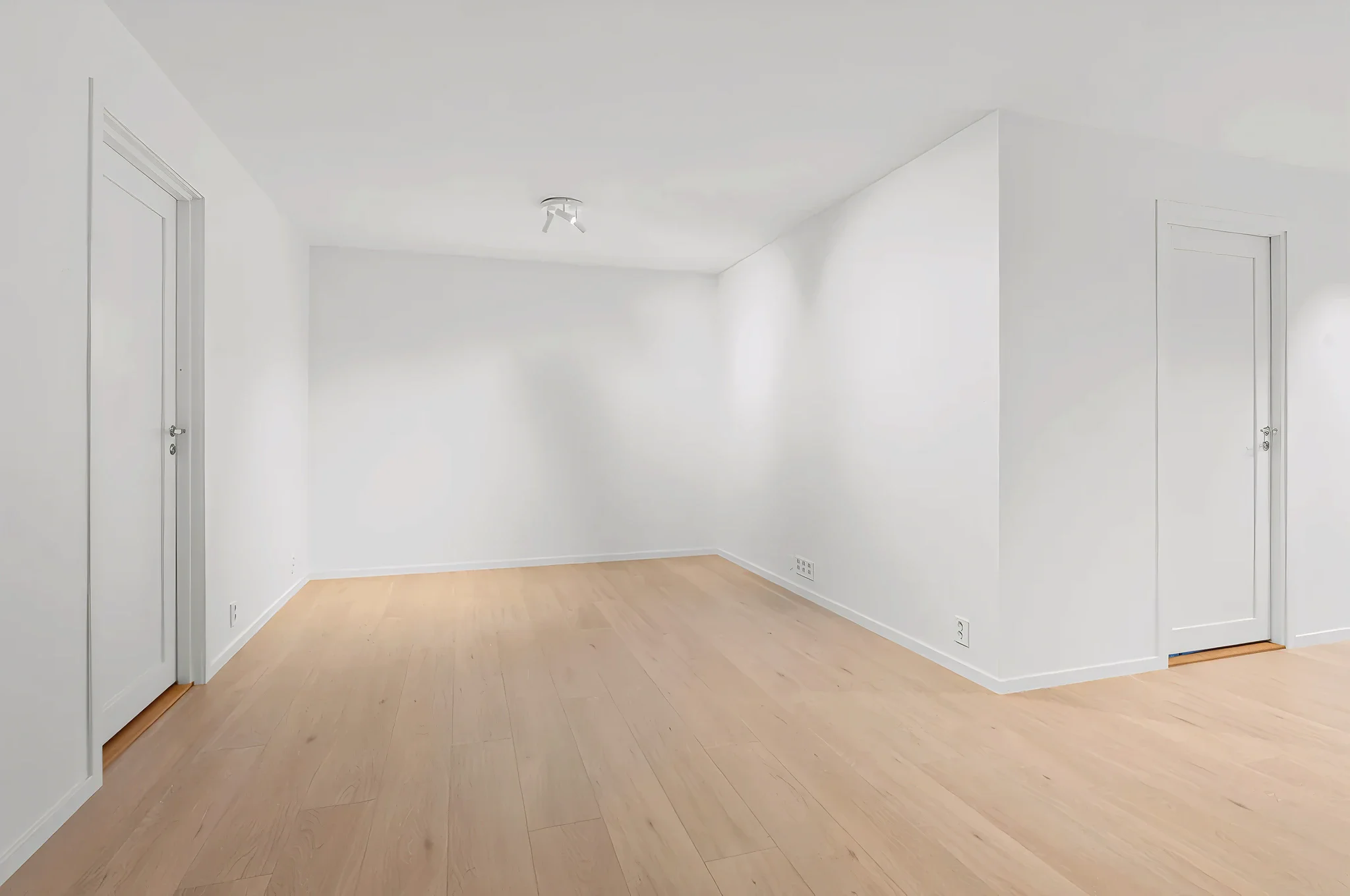
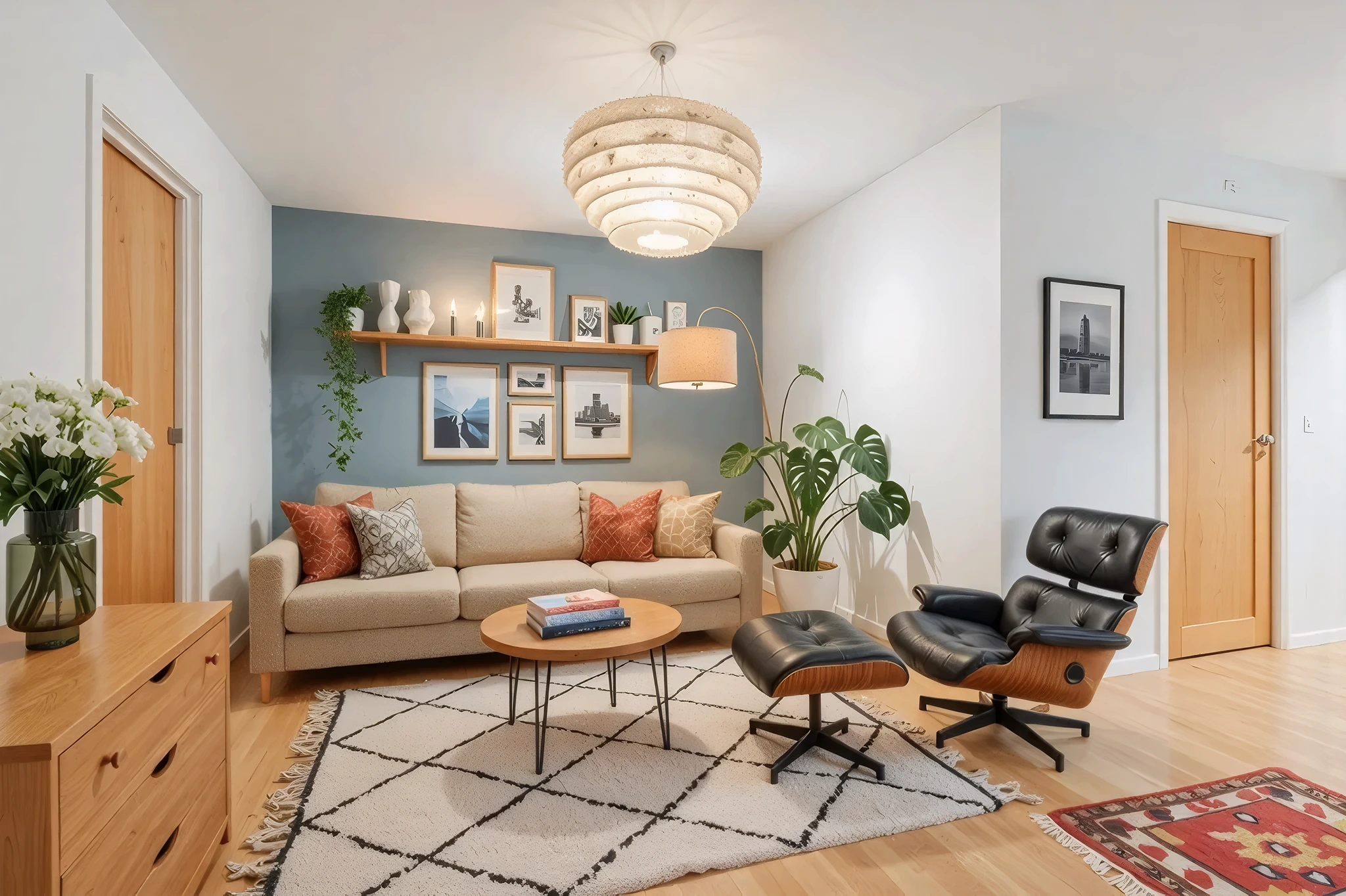
 BeforeAfter
AI Accent Wall Designer
Add a statement wall that transforms the entire room. Upload a photo and our AI creates accent walls using bold paint colors, wallpaper patterns, wood paneling, stone, or any treatment you can imagine.
How It Works
Three simple steps to transform your room.
Upload your room photo
Take a photo showing the wall you want to accent. Make sure the wall is clearly visible.
Describe your accent wall
Choose the treatment: "dark green paint on the wall behind the bed" or "vertical wood slats on the fireplace wall."
Preview the result
AI creates the accent wall in seconds. Try different options — compare paint vs. wallpaper vs. wood panels.
Try Accent Wall Designer Now
Upload a photo and see the result in seconds. Start your free 3-day trial.
Frequently Asked Questions
Related Templates
Explore more AI-powered design tools.
Wall Paint Visualizer
Upload a photo of any room and see exactly how different paint colors will look on your walls — before you buy a single can.
Learn MoreFull Room Redesign
Transform any room from top to bottom.
Learn MoreLuxury Upgrade
See what your room looks like at the next level.
Learn MoreUpdate Lighting
Lighting changes everything.
Learn More