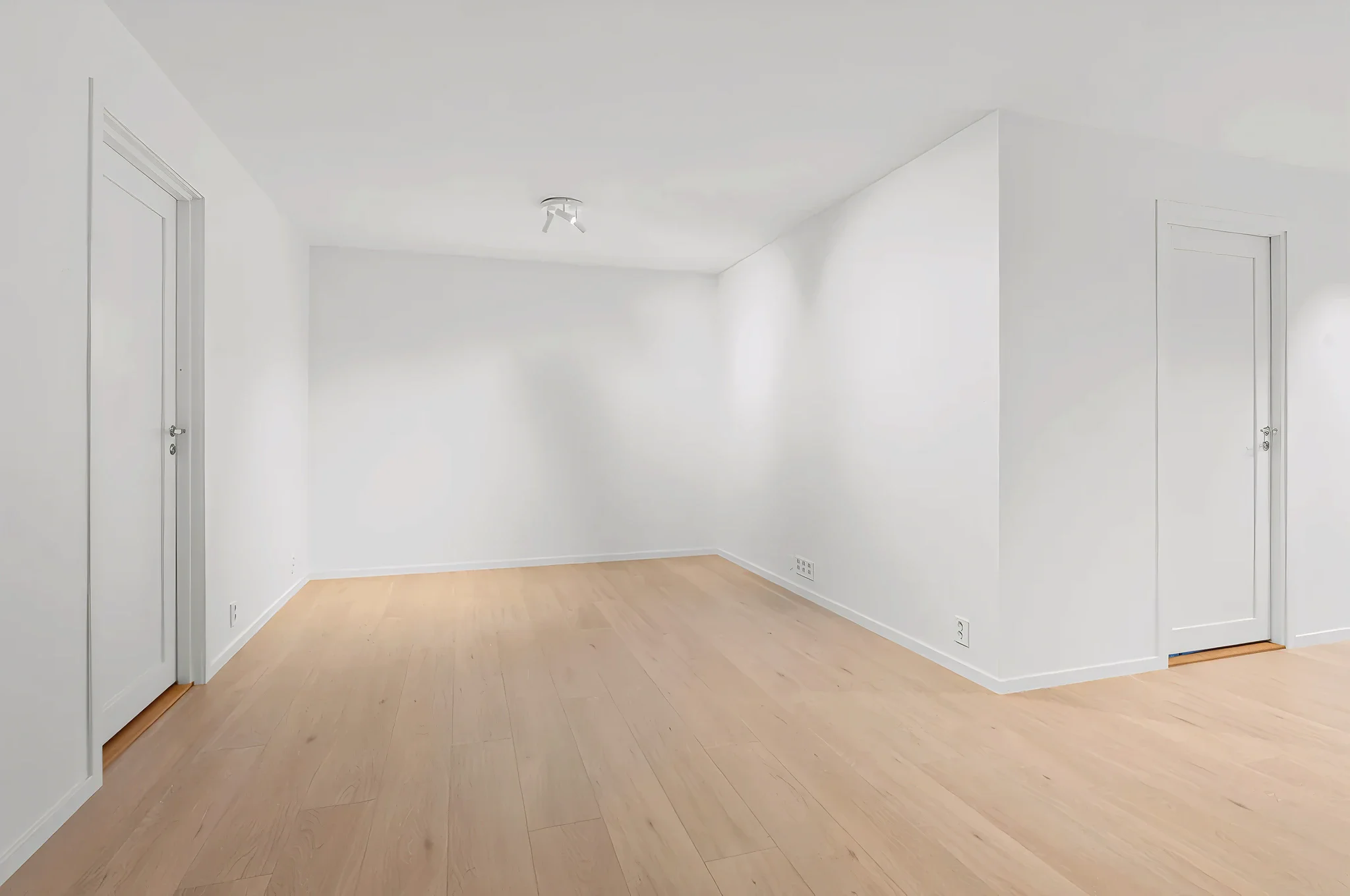
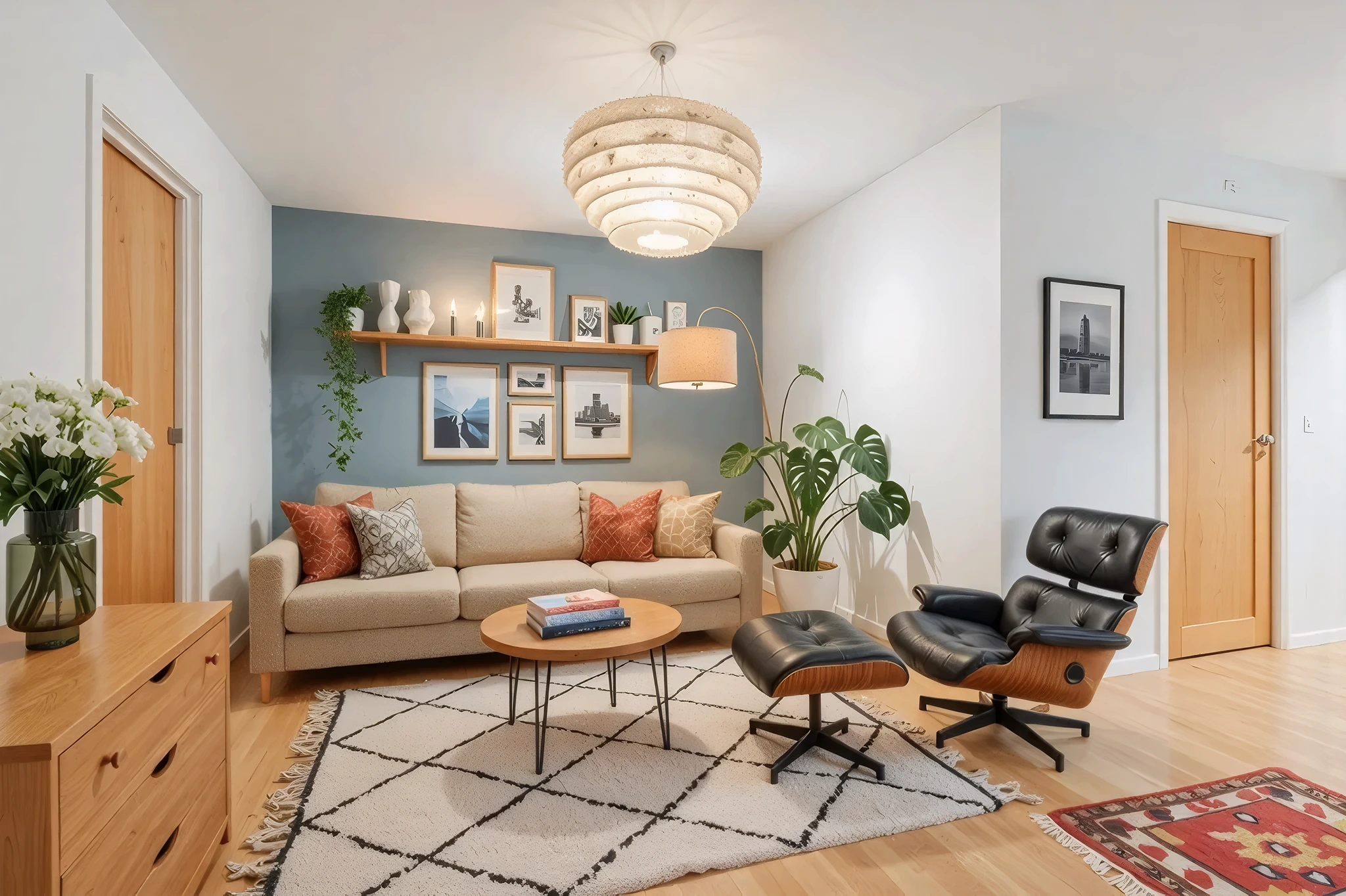
 BeforeAfter
AI Lighting & Ambiance Designer
Lighting changes everything. Upload a room photo and see how new fixtures, placement, and ambiance transform the mood — from bright and airy to warm and cozy.
How It Works
Three simple steps to transform your room.
Upload your room photo
Take a photo of the room where you want to update lighting. Include the current fixtures in the frame.
Describe the new lighting
Choose a mood or specify fixtures: "warm pendant lights over the dining table" or "recessed LED throughout."
See the new ambiance
AI transforms the room lighting in seconds. Compare warm vs. cool, bright vs. moody, and find your ideal setup.
Try Update Lighting Now
Upload a photo and see the result in seconds. Start your free 3-day trial.
Frequently Asked Questions
Related Templates
Explore more AI-powered design tools.
Full Room Redesign
Transform any room from top to bottom.
Learn MoreAccent Wall Designer
Add a statement wall that transforms the entire room.
Learn MoreLuxury Upgrade
See what your room looks like at the next level.
Learn MoreWall Paint Visualizer
Upload a photo of any room and see exactly how different paint colors will look on your walls — before you buy a single can.
Learn More