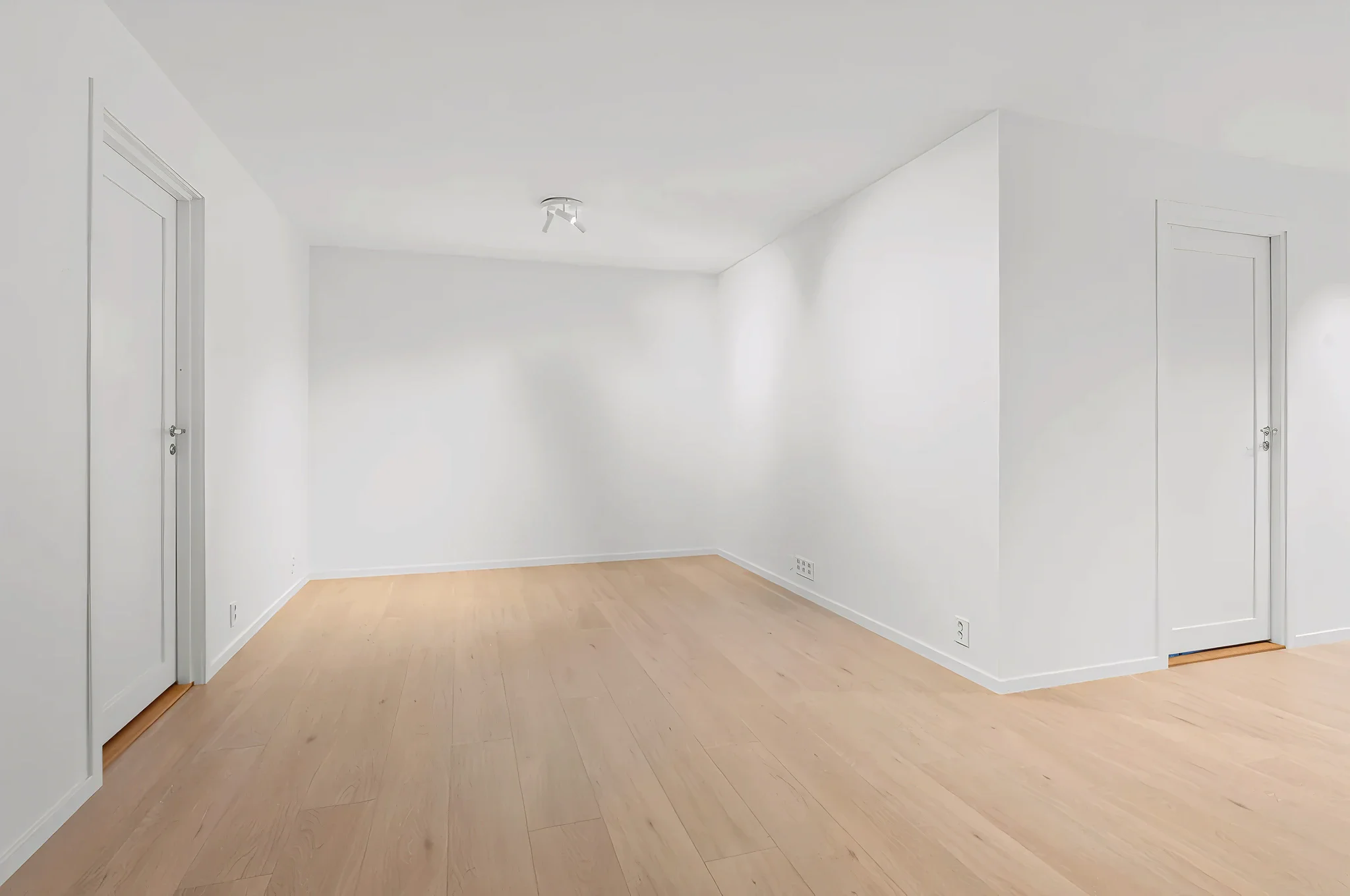
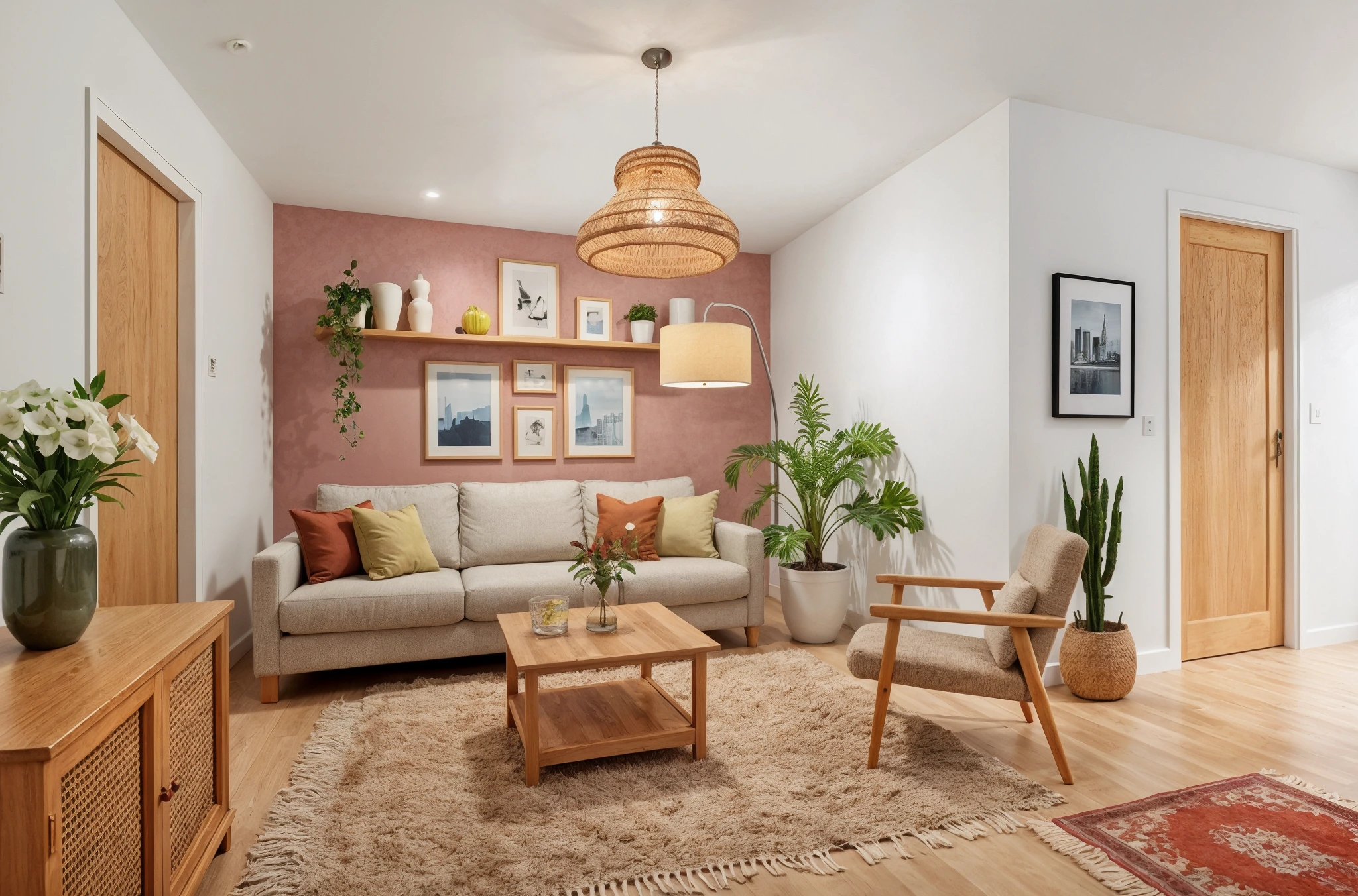
 BeforeAfter
AI Custom Furniture Placement
Describe the exact furniture you want and see it placed naturally in your room. Upload a room photo, describe the piece — or upload a reference image — and our AI adds it with correct scale, shadows, and perspective.
How It Works
Three simple steps to transform your room.
Upload your room photo
Take a photo of the room where you want to add furniture. Show the area where the piece should go.
Describe or upload the furniture
Type a description or upload a reference image. Be specific: "mid-century walnut credenza, 6 feet wide."
See it in your room
AI places the furniture naturally in your space. Adjust by trying different descriptions or positions.
Try Add Custom Furniture Now
Upload a photo and see the result in seconds. Start your free 3-day trial.
Frequently Asked Questions
Related Templates
Explore more AI-powered design tools.
Furniture Replacement
See how new furniture looks in your room before buying.
Learn MoreVirtual Staging
Transform empty rooms into beautifully furnished spaces in seconds.
Learn MoreFurnish Empty Room
Staring at an empty room? Upload a photo and see it completely furnished and decorated in any style — from your first apartment to your dream home.
Learn MoreFull Room Redesign
Transform any room from top to bottom.
Learn More