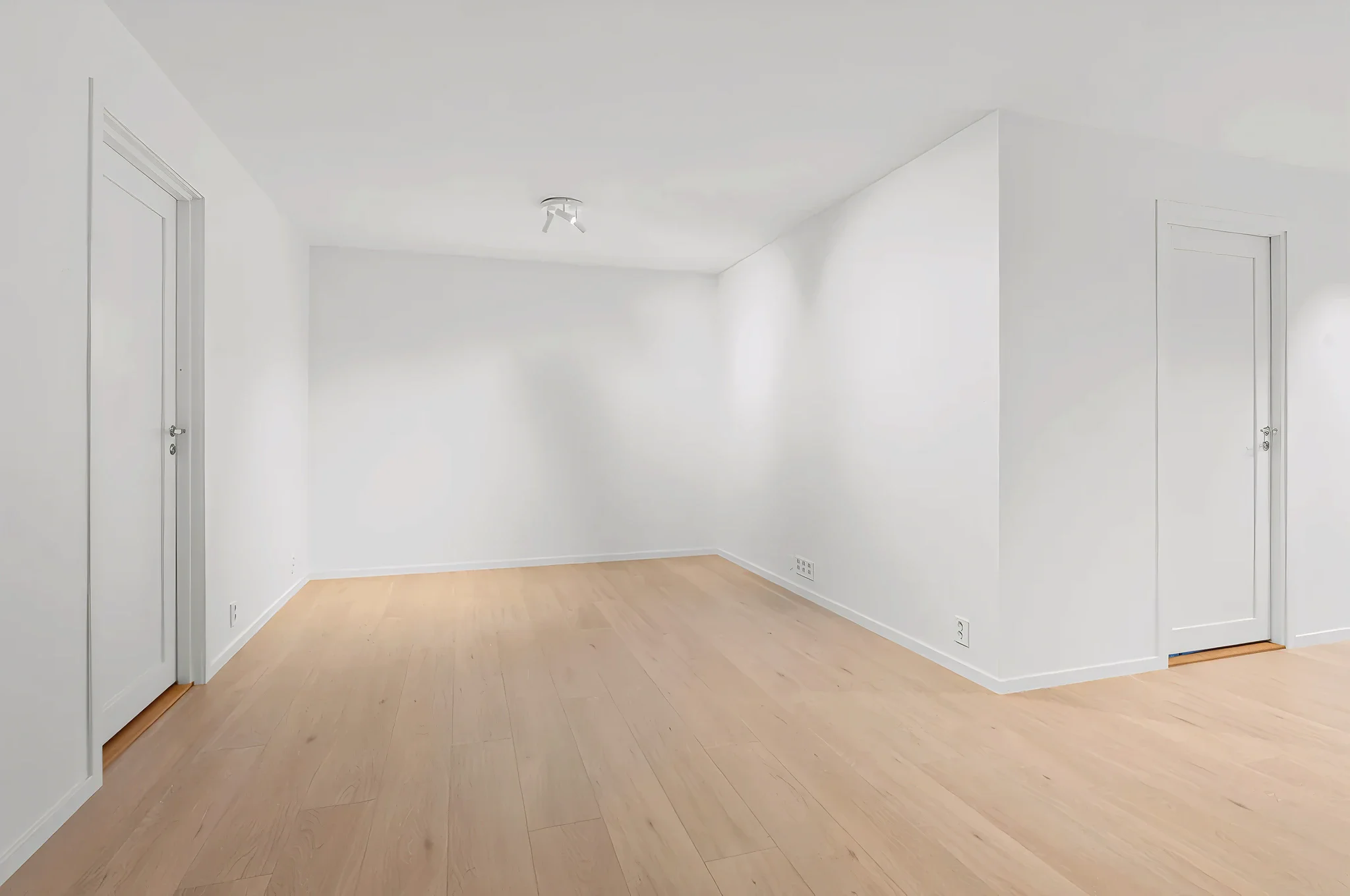
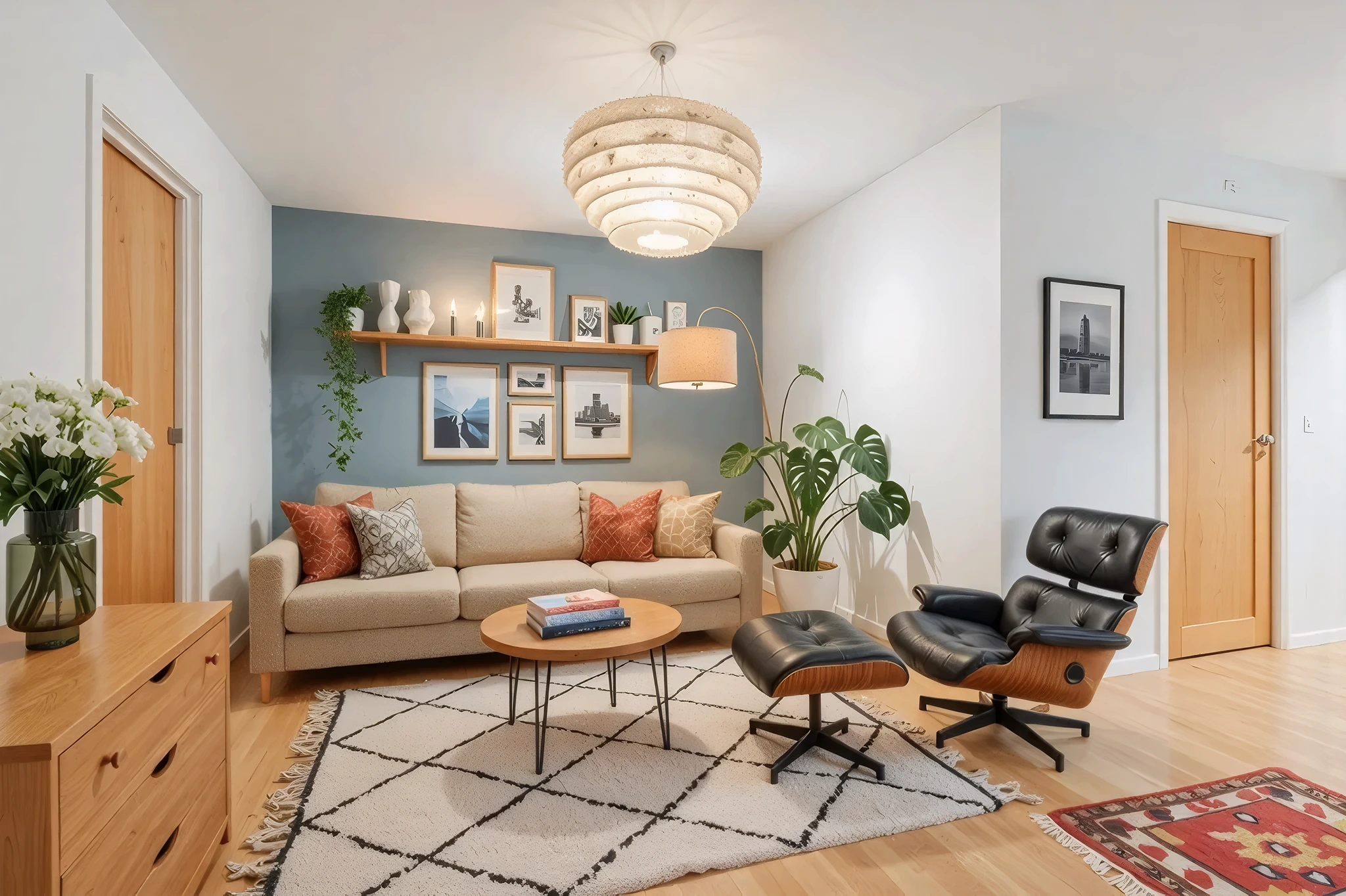
 BeforeAfter
AI Budget Room Makeover
Not sure how far your budget will stretch? Upload a room photo, set your budget level, and see what's realistically achievable — from a quick paint refresh to a complete furniture upgrade.
How It Works
Three simple steps to transform your room.
Upload your room photo
Take a photo of the room you want to make over. Any condition — messy, dated, or just needing a refresh.
Set your budget level
Choose from weekend refresh, moderate makeover, or full transformation. Add specifics in custom instructions.
See budget-friendly results
AI generates a realistic makeover within your budget scope. Compare options and plan your purchases.
Try Budget Makeover Now
Upload a photo and see the result in seconds. Start your free 3-day trial.
Frequently Asked Questions
Related Templates
Explore more AI-powered design tools.
Full Room Redesign
Transform any room from top to bottom.
Learn MoreWall Paint Visualizer
Upload a photo of any room and see exactly how different paint colors will look on your walls — before you buy a single can.
Learn MoreDeclutter & Clean
Messy room? Our AI removes clutter, tidies surfaces, and makes any space look professionally cleaned — all from a single photo.
Learn MoreUpdate Lighting
Lighting changes everything.
Learn More