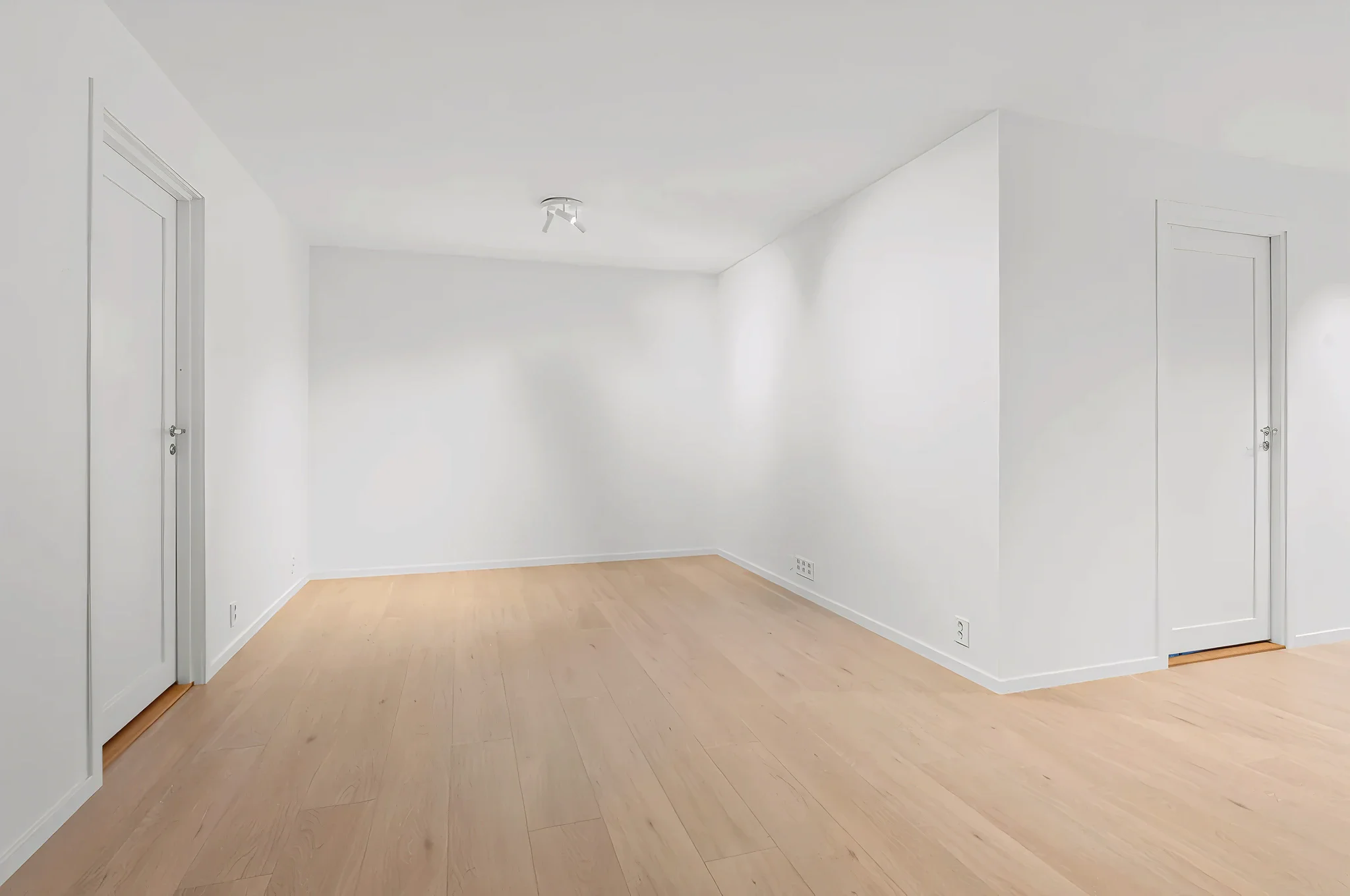
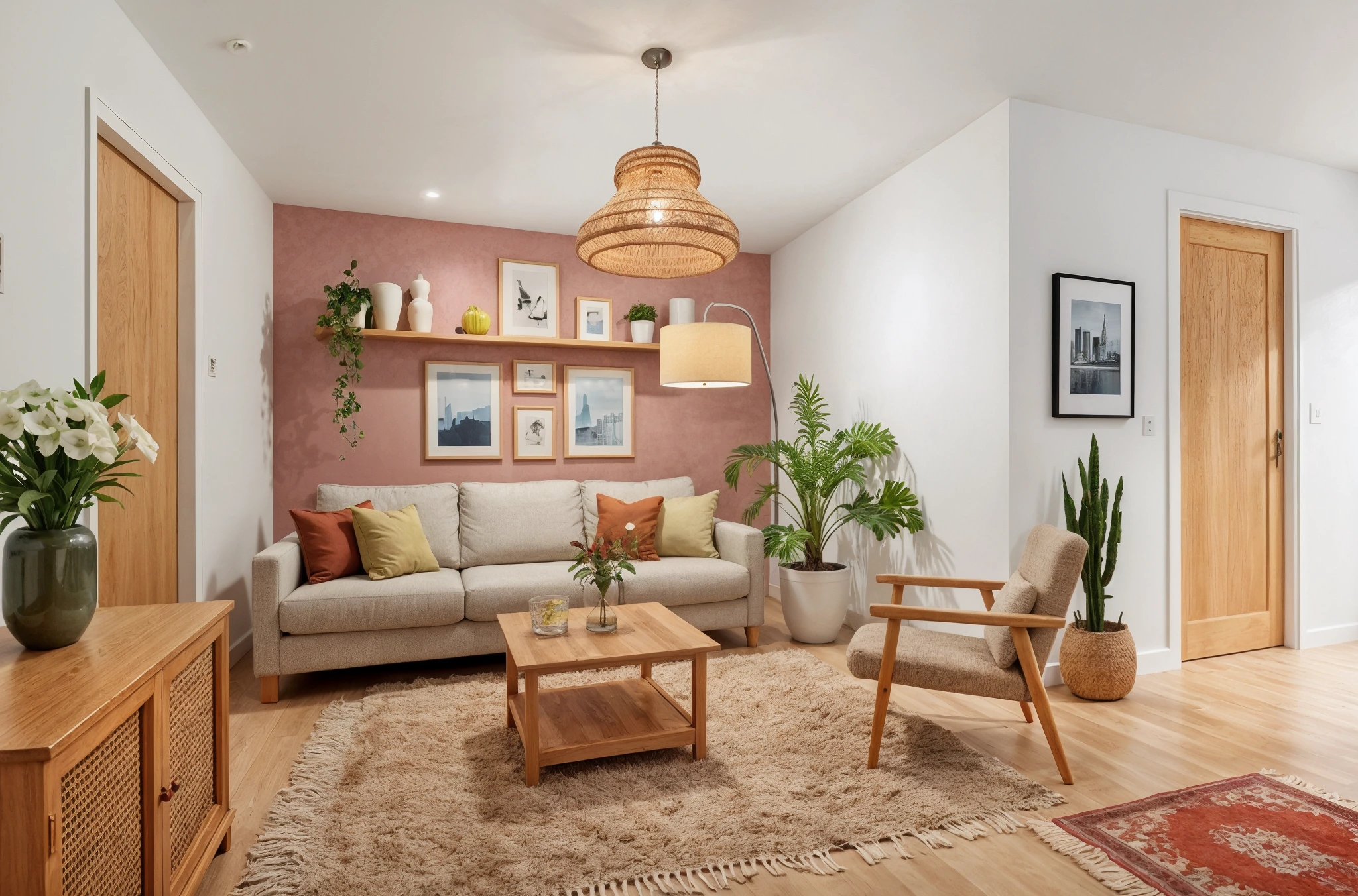
 BeforeAfter
AI Window Treatment Visualizer
Windows are the eyes of a room — dress them right. Upload a photo and preview curtains, blinds, shutters, shades, and every type of window treatment in your actual space.
How It Works
Three simple steps to transform your room.
Upload your room photo
Take a photo showing the windows clearly. Natural light in the photo helps the AI render treatments accurately.
Choose treatment type
Select your preferred style: "plantation shutters," "floor-length blackout curtains," or "light-filtering roman shades."
Preview the result
AI applies the window treatment realistically. Try different types — shutters vs. curtains vs. blinds — to compare.
Try Window Treatments Now
Upload a photo and see the result in seconds. Start your free 3-day trial.
Frequently Asked Questions
Related Templates
Explore more AI-powered design tools.
Change Curtains & Drapes
Not sure which curtains to buy? Upload a room photo and see how different curtains, drapes, or blinds transform your windows — from sheer white linens to dramatic velvet drapes.
Learn MoreUpdate Lighting
Lighting changes everything.
Learn MoreFull Room Redesign
Transform any room from top to bottom.
Learn MoreWall Paint Visualizer
Upload a photo of any room and see exactly how different paint colors will look on your walls — before you buy a single can.
Learn More