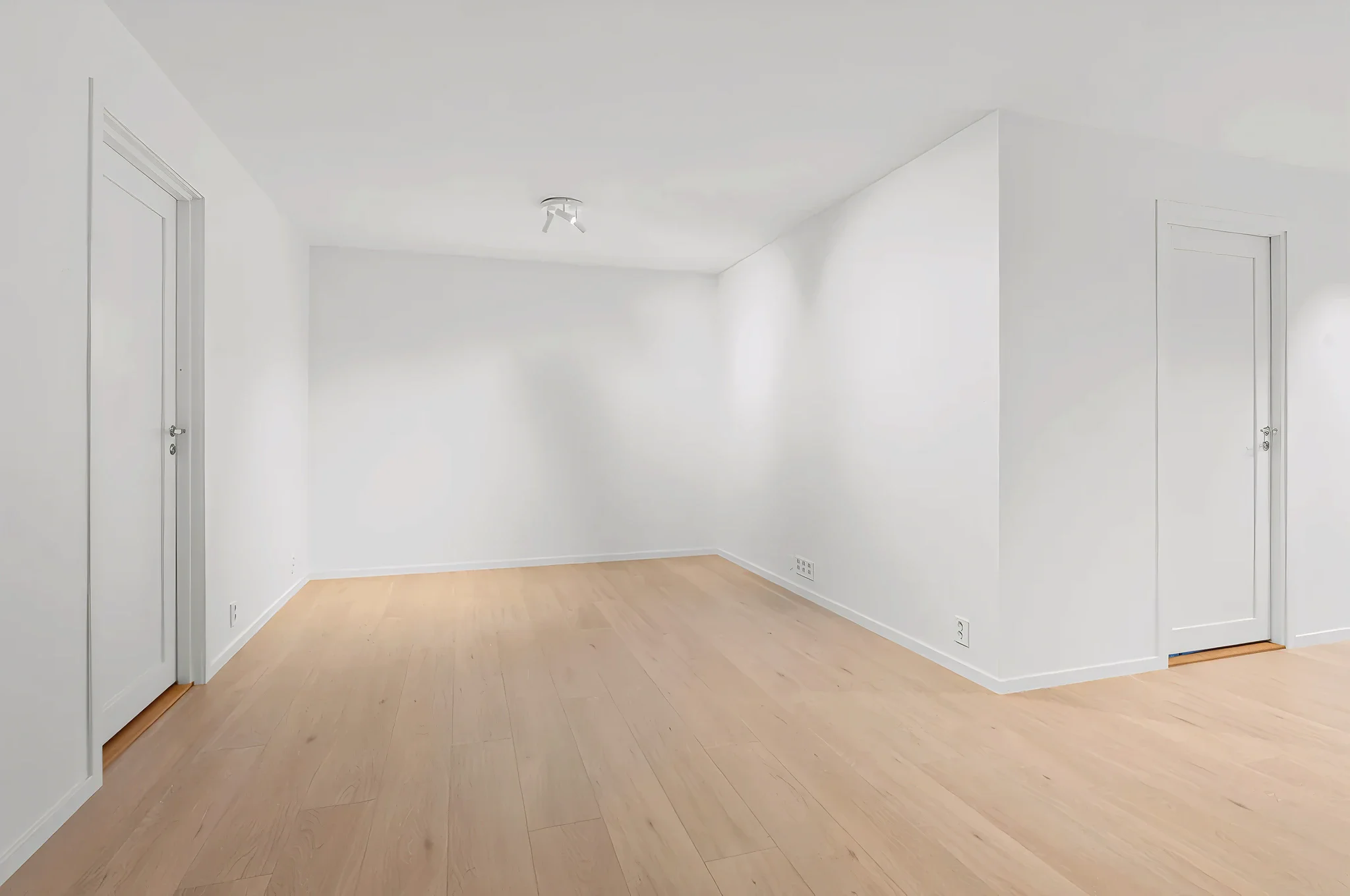
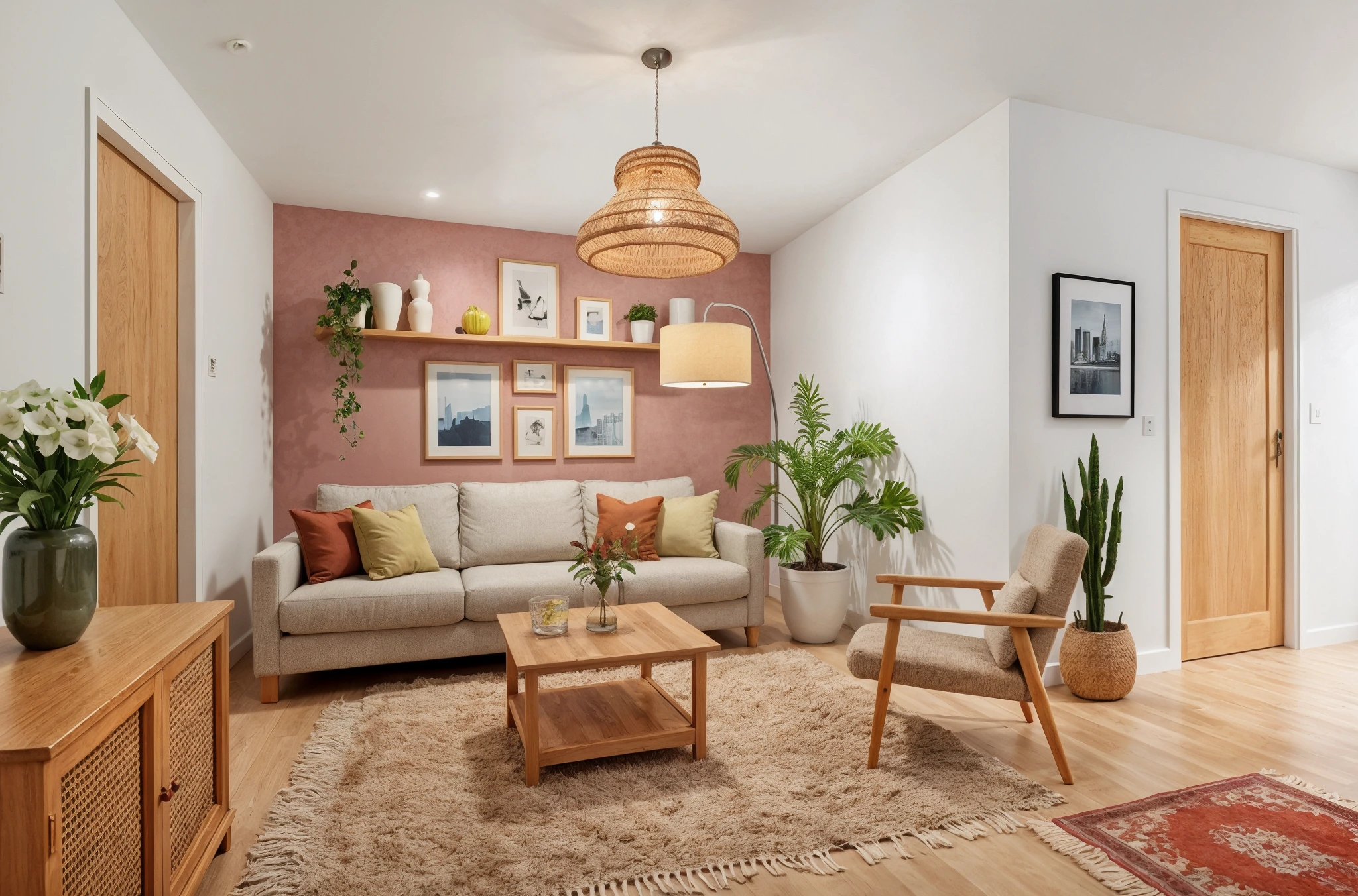
 BeforeAfter
AI Indoor Plant Visualizer
Want more greenery but not sure what works? Upload a room photo and our AI adds realistic indoor plants — from subtle shelf accents to dramatic floor-to-ceiling arrangements. See exactly how plants will transform your space.
How It Works
Three simple steps to transform your room.
Upload your room photo
Take a photo of any room where you want to add plants. Works with any room type and lighting.
Choose your greenery level
Select from subtle accents to full jungle mode. Add custom instructions like "add a large monstera by the window."
See the green transformation
AI adds realistic plants in seconds. Try different arrangements and save your favorites.
Try Add Plants & Greenery Now
Upload a photo and see the result in seconds. Start your free 3-day trial.
Frequently Asked Questions
Related Templates
Explore more AI-powered design tools.
Full Room Redesign
Transform any room from top to bottom.
Learn MoreDeclutter & Clean
Messy room? Our AI removes clutter, tidies surfaces, and makes any space look professionally cleaned — all from a single photo.
Learn MoreFurniture Replacement
See how new furniture looks in your room before buying.
Learn MoreAccent Wall Designer
Add a statement wall that transforms the entire room.
Learn More