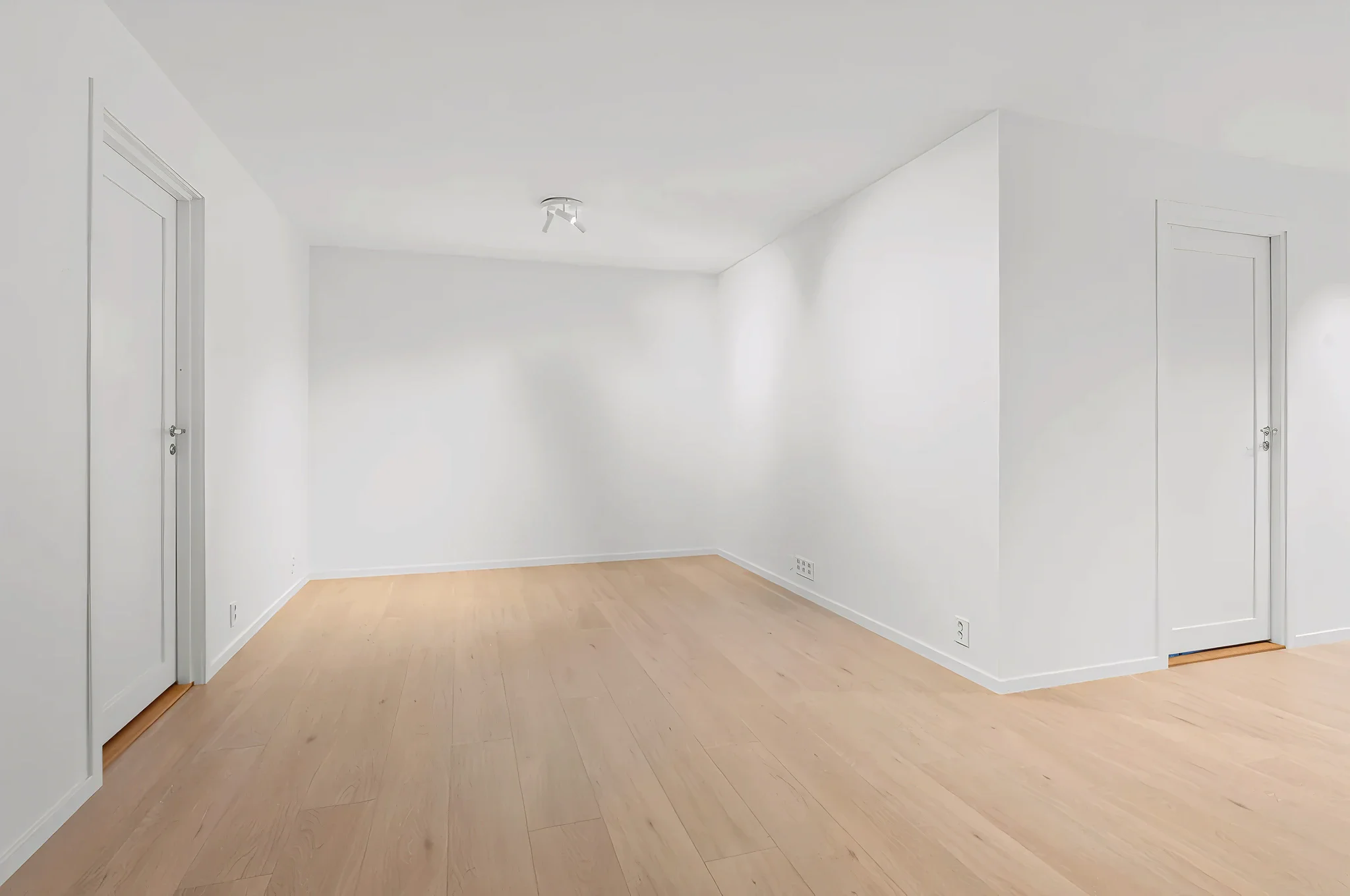
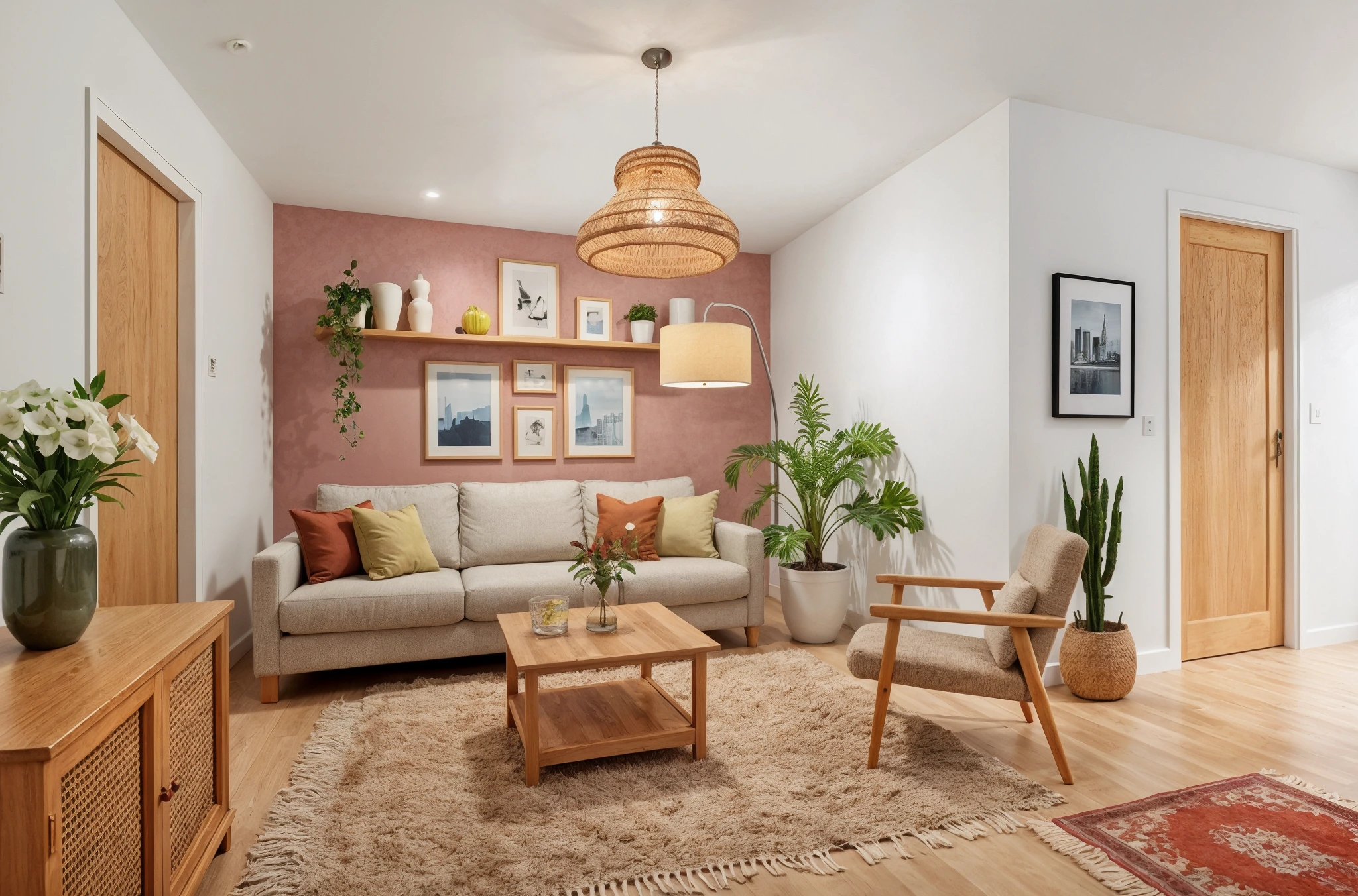
 BeforeAfter
AI Kids Room Designer
Design a room your kids will love — fun, functional, and age-appropriate. Upload a photo and our AI transforms it with playful themes, smart storage, and safe layouts tailored to your child's age and interests.
How It Works
Three simple steps to transform your room.
Upload the room photo
Take a photo of the room — existing kids room, spare room, or nursery. Any starting condition works.
Choose theme and age group
Select a theme or describe it: "space-themed room for a 6-year-old boy" or "whimsical fairy room for twin girls."
See the design
AI creates a fun, functional kids room in seconds. Try multiple themes and let your child pick their favorite.
Try Kids Room Design Now
Upload a photo and see the result in seconds. Start your free 3-day trial.
Frequently Asked Questions
Related Templates
Explore more AI-powered design tools.
Full Room Redesign
Transform any room from top to bottom.
Learn MoreAdd Plants & Greenery
Want more greenery but not sure what works? Upload a room photo and our AI adds realistic indoor plants — from subtle shelf accents to dramatic floor-to-ceiling arrangements.
Learn MoreUpdate Lighting
Lighting changes everything.
Learn MoreAccent Wall Designer
Add a statement wall that transforms the entire room.
Learn More